
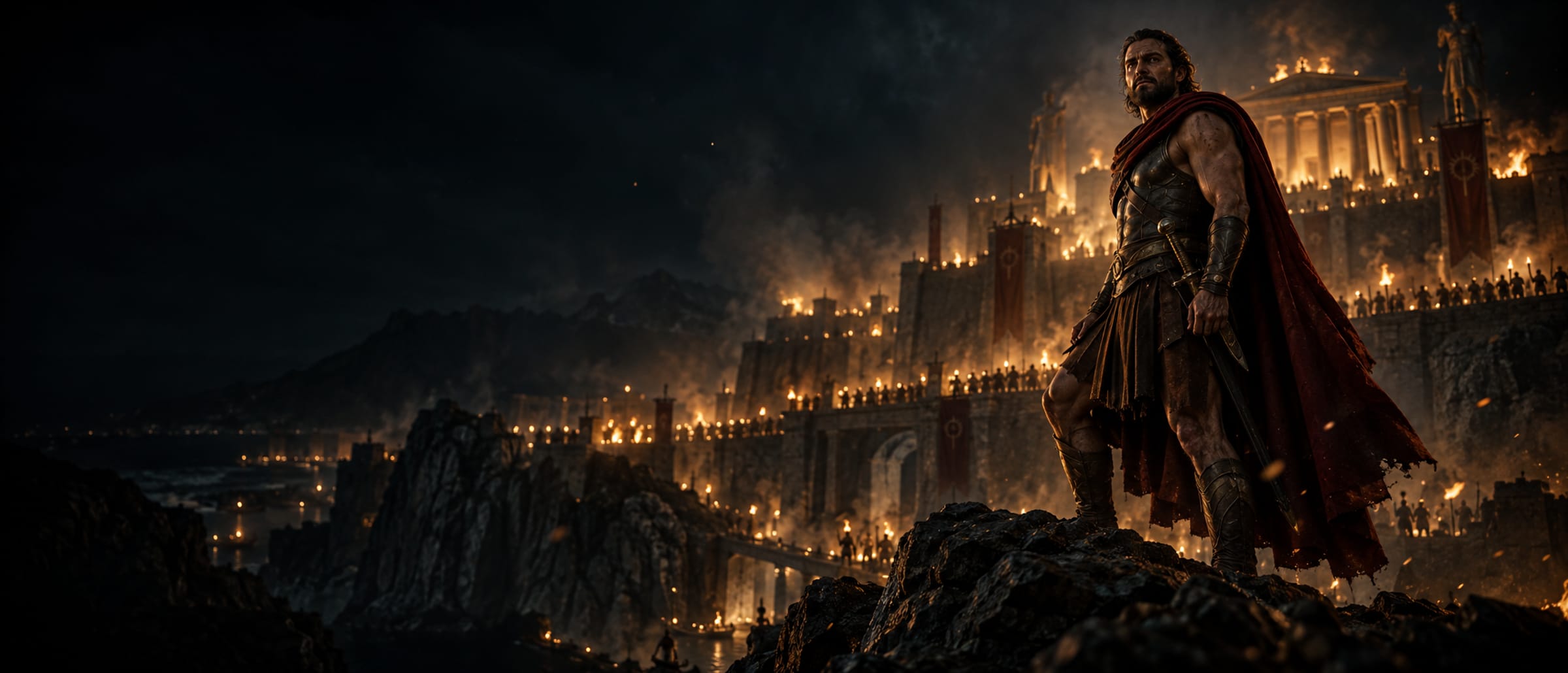
THE CONNECTED FILMMAKING PLATFORM
Your story.
Your vision.
From script to screen.
Develop your story, design your world, and bring every shot to life. Keep characters, locations and creative decisions connected—from the first concept to the final cut.
For filmmakers, creative teams and studios.
to Final Cut
Production
Indie to enterprise
Your Control
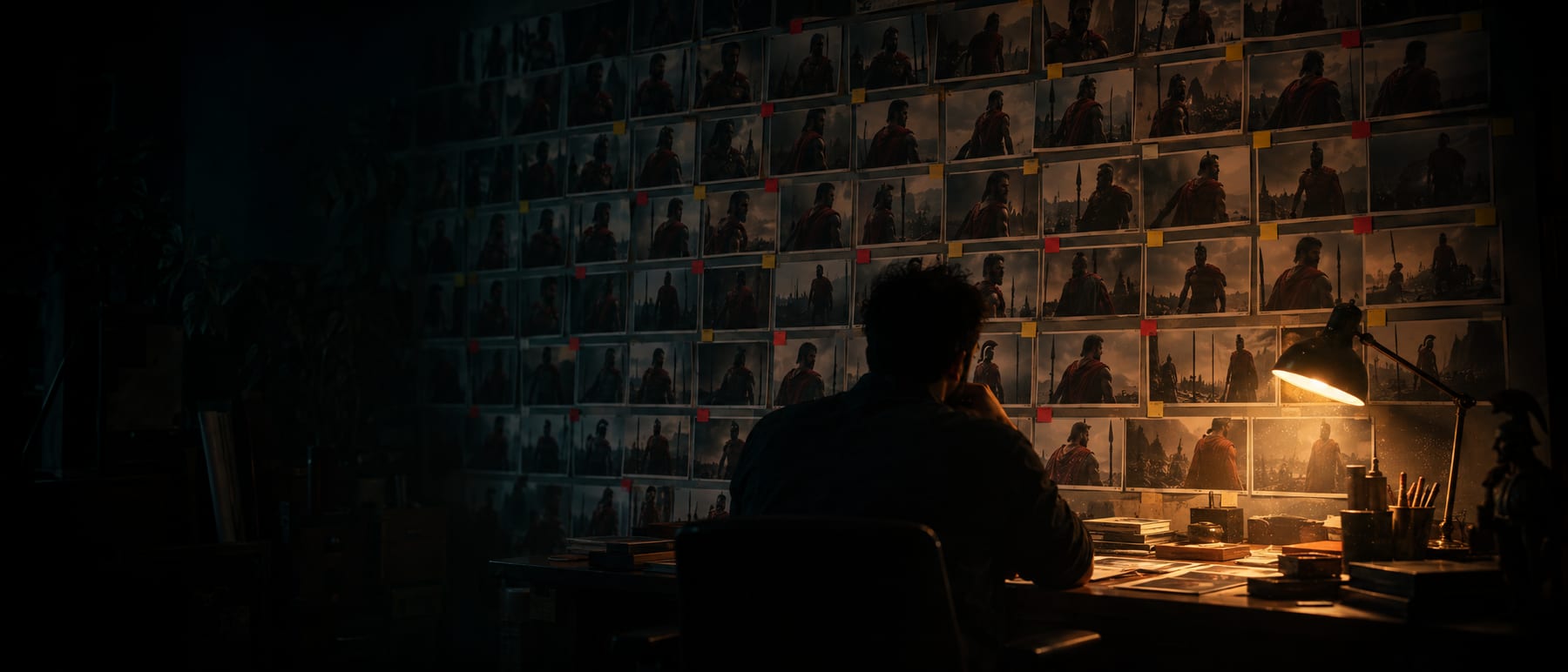
Film Memory
Generative tools forget. A production cannot. Film Memory is the approved, versioned truth of your film — every character, look, location, prop and style rule — and it compiles into every single generation, automatically.
Change a costume and the film tells you which shots now disagree. Approve a face and nothing can quietly redraw it. Lock a design and it is frozen until a person unlocks it.
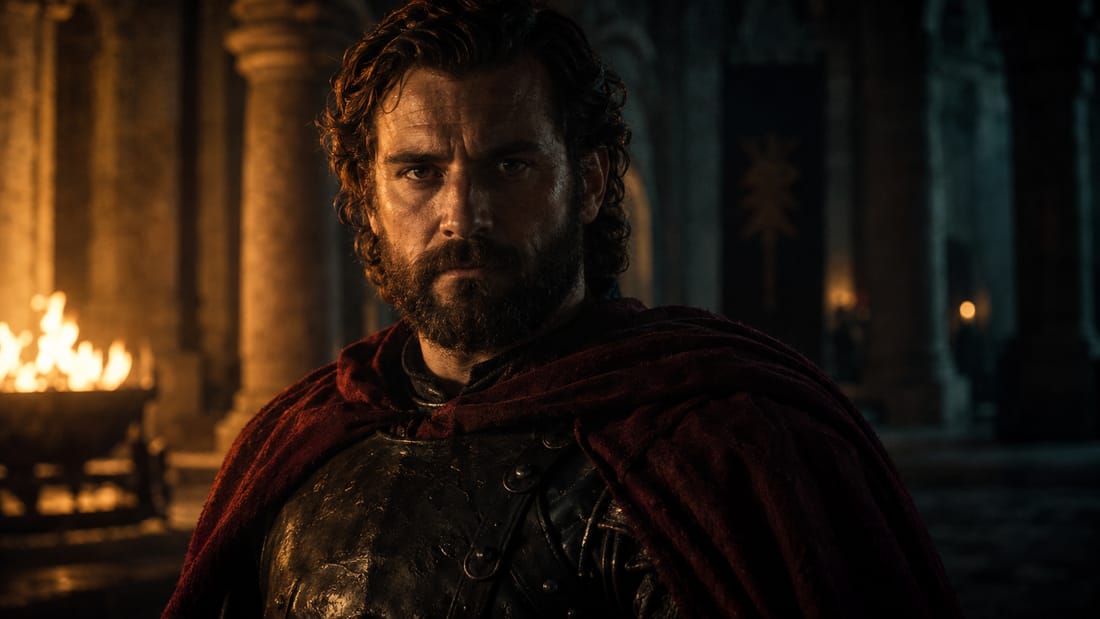
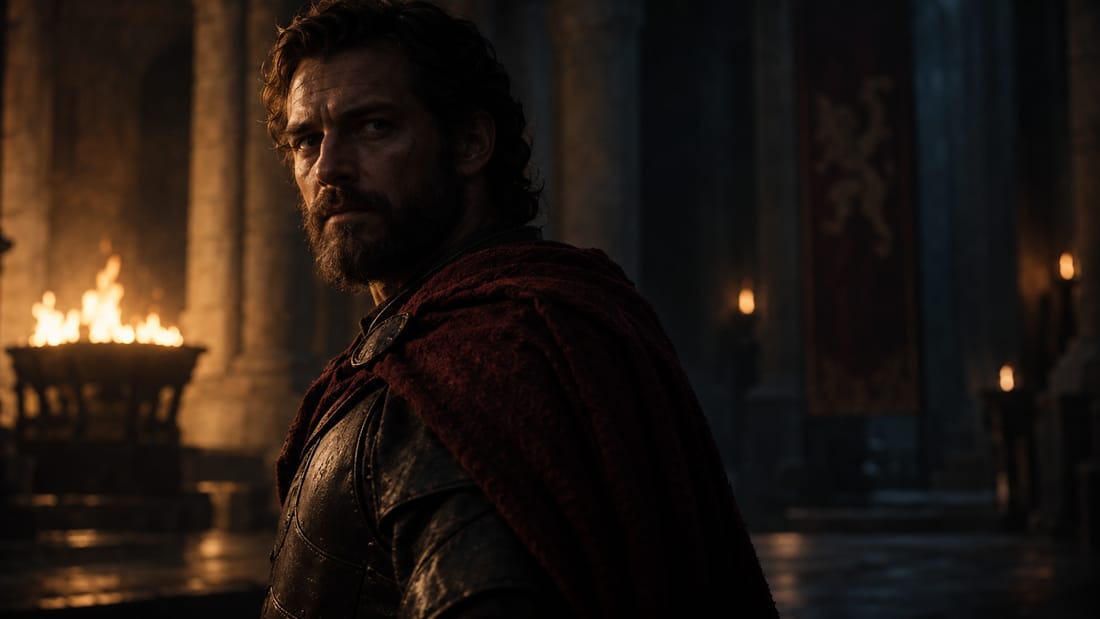
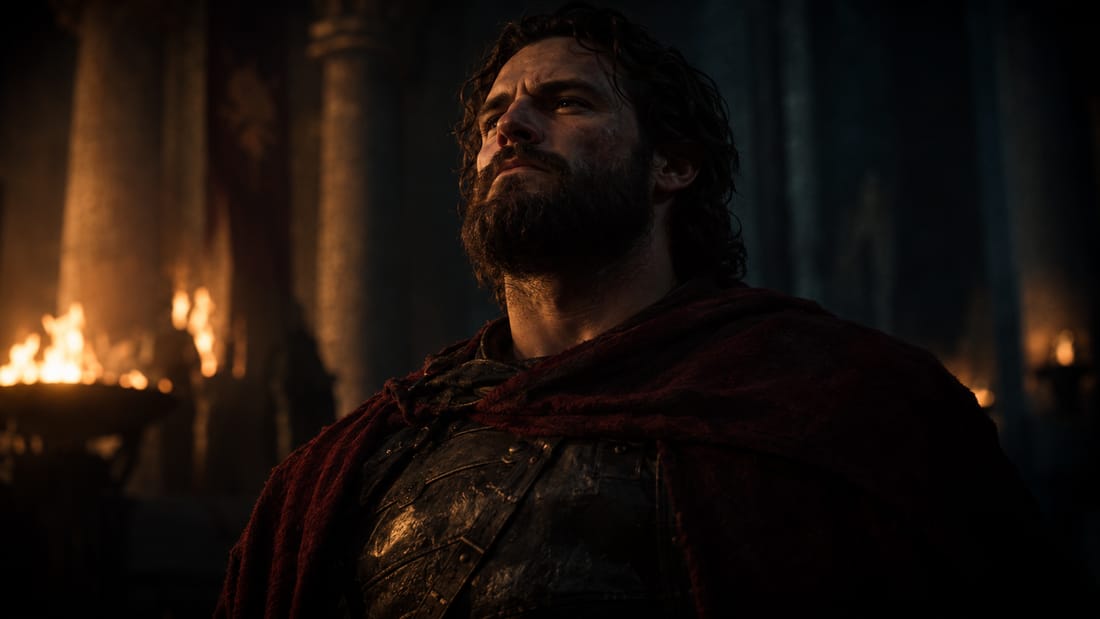
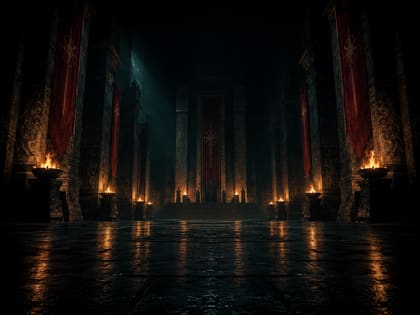

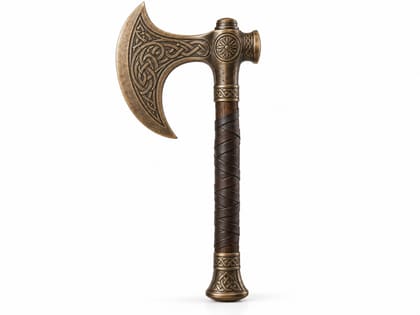




Every edge is a record, not a resemblance. Change a costume and the film can name the 23 shots that reference it — because the link was written when the shot was built, not guessed afterwards.
Director — proposes, never decides
Scene direction, beat map, blocking, performance, shot design, camera and lens — generated as options with the reasoning attached. Nothing reaches a render until a person has approved it.
Coverage alternatives for one beat — generated from the scene, its cast, the dialogue, the Film Bible and the approved Film Memory. The director picks, edits or rejects.
Only an APPROVED or LOCKED spec is allowed to reach generation. Camera intent compiles to real geometry — metres and degrees on the stage — not adjectives in a prompt.
- ✓ fixed — wardrobe mismatch
- ◆ intentional — screen-direction break (permanent)
- ● open — prop hand
Art Director — the visual world of the film
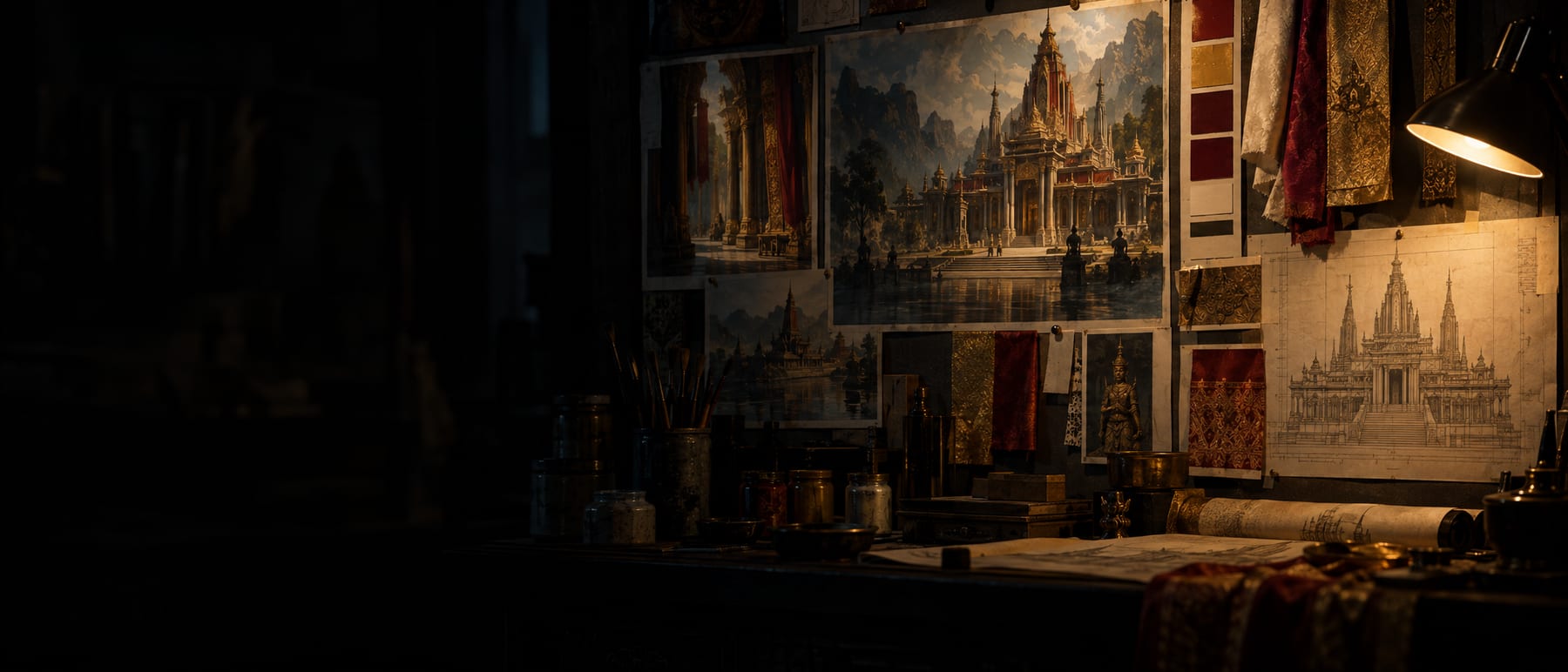
The Director owns story intent: staging, performance, camera, how the shots progress. Art Director owns what the world looks like — who the characters are on screen, what the places are, what is in them, how they are lit, and whether any of it is ready for the shots that need it.
Almost every page is a view over records another module owns — the Library, reference packs, looks, location layouts, Film Memory. Three records are its own, because nothing else in the product could state them:
Two modules, one film. Keeping story intent and visual world apart is what lets a look change without re-litigating the staging, and a shot be re-blocked without redesigning the room.
A world state says which version of the world a scene sits in — main, flashback or parallel — so a set dressed for the present cannot quietly furnish a memory of it twenty years earlier.
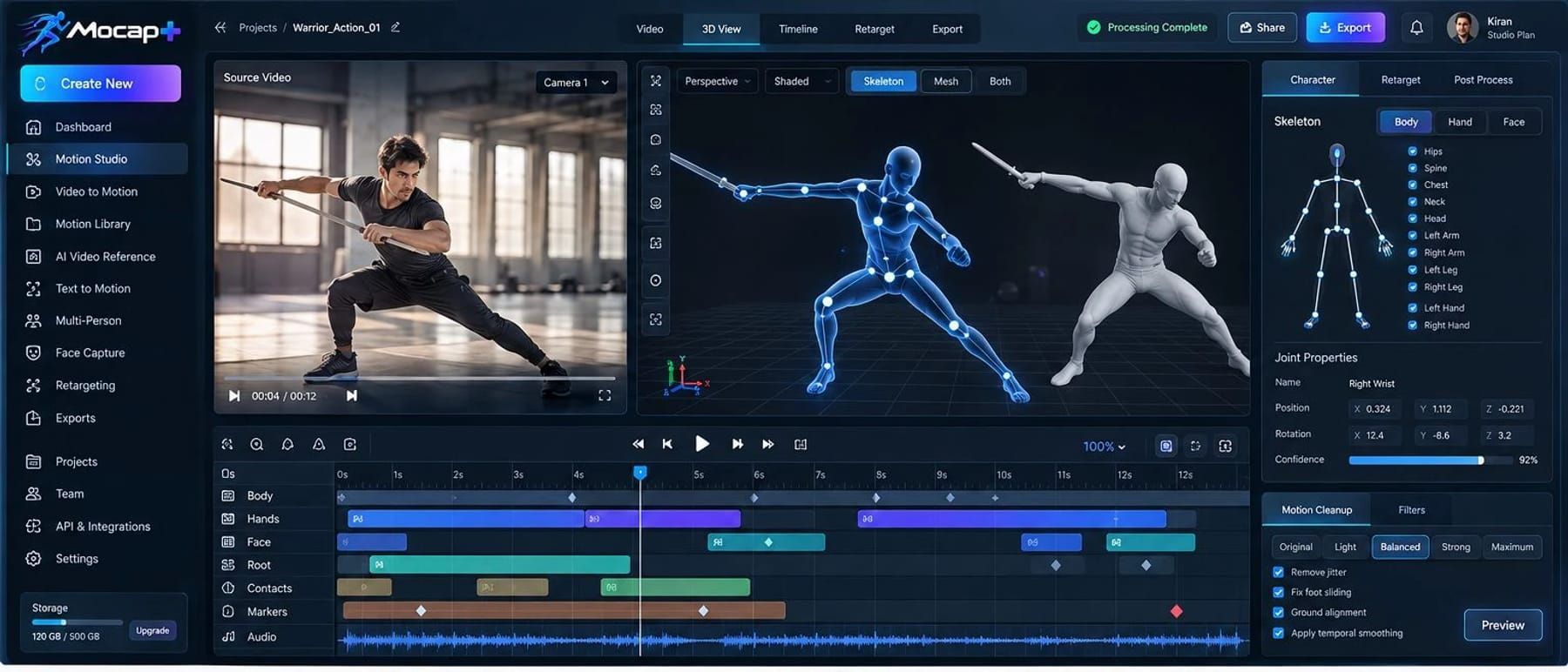
Mocap — from ordinary video, no suit
Point a camera at a performance and get animation out. No markers, no suit, no capture volume, no stage hire — body, hands and face solved from footage you already shot, on a phone or a cinema camera.
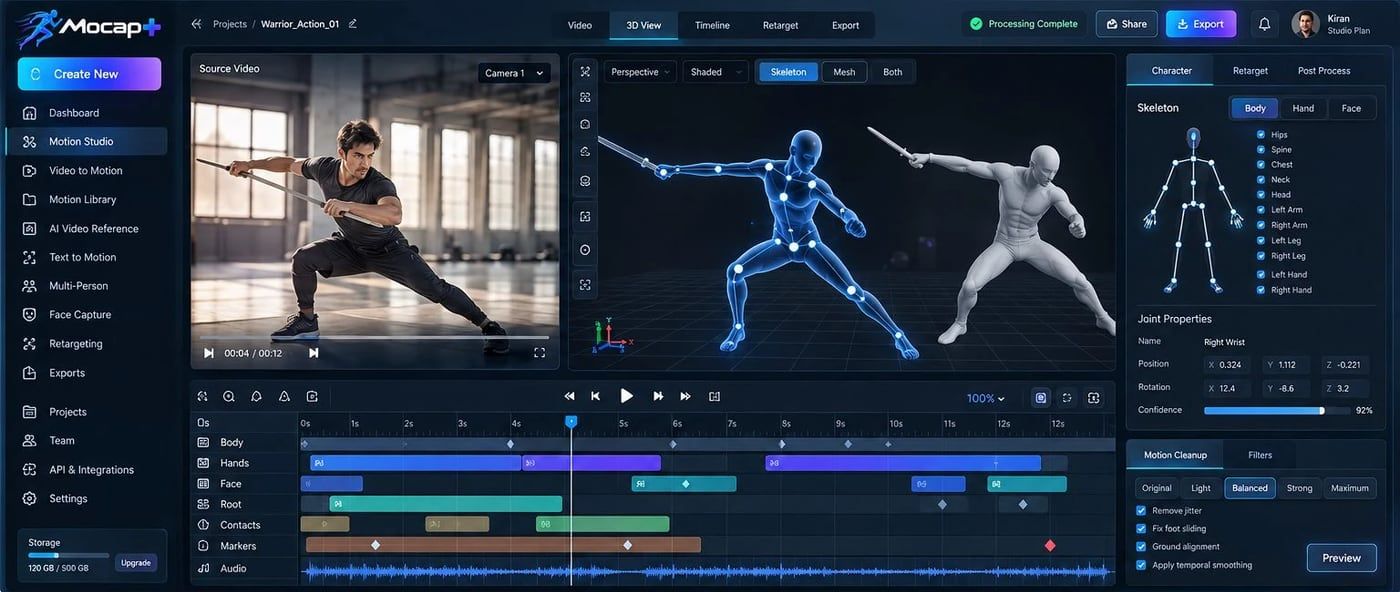
One person or several in the same shot. Text to Motion writes a clip from a description when there is no footage to solve, and the Motion Library keeps what you have already captured so a walk cycle is captured once, not every time.
Raw solves slide and shake. Each pass is a switch you set, with the result shown against the source — so a fix is something you chose and can see, not something that happened to the take.
Retarget onto your own character — a game rig, an Unreal mannequin, a film asset — then export to the engine or package you already work in. The motion is data you own, not a clip you have to match by eye.
One production graph. Any look.
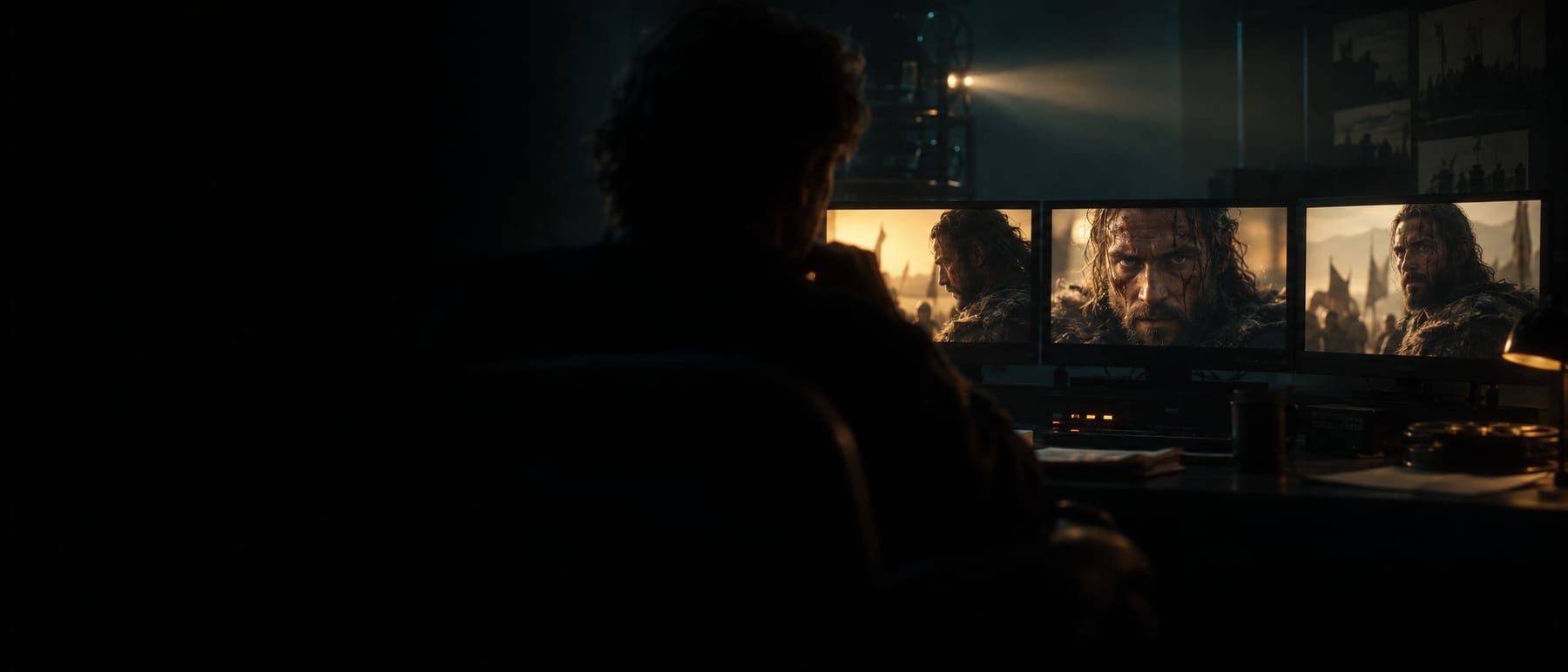
Photoreal or fully animated — the pipeline does not change. The same shot specifications, the same Film Memory, the same continuity engine and the same approval gates drive a live-action-style feature and a stylised animated series.

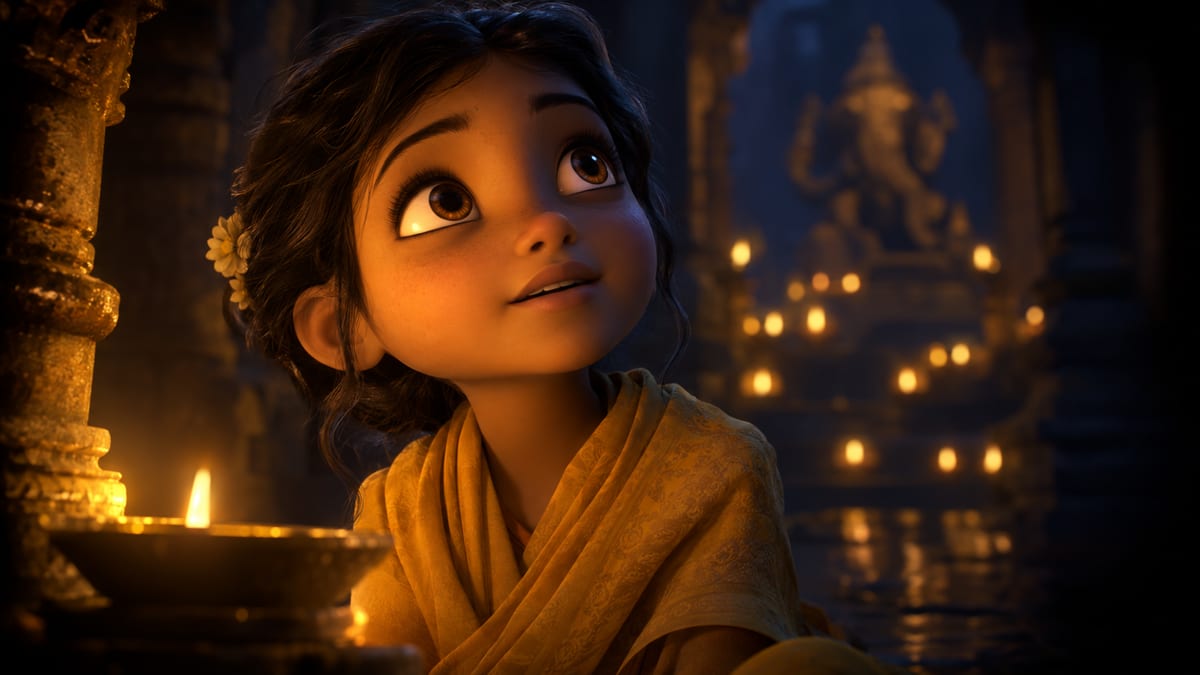

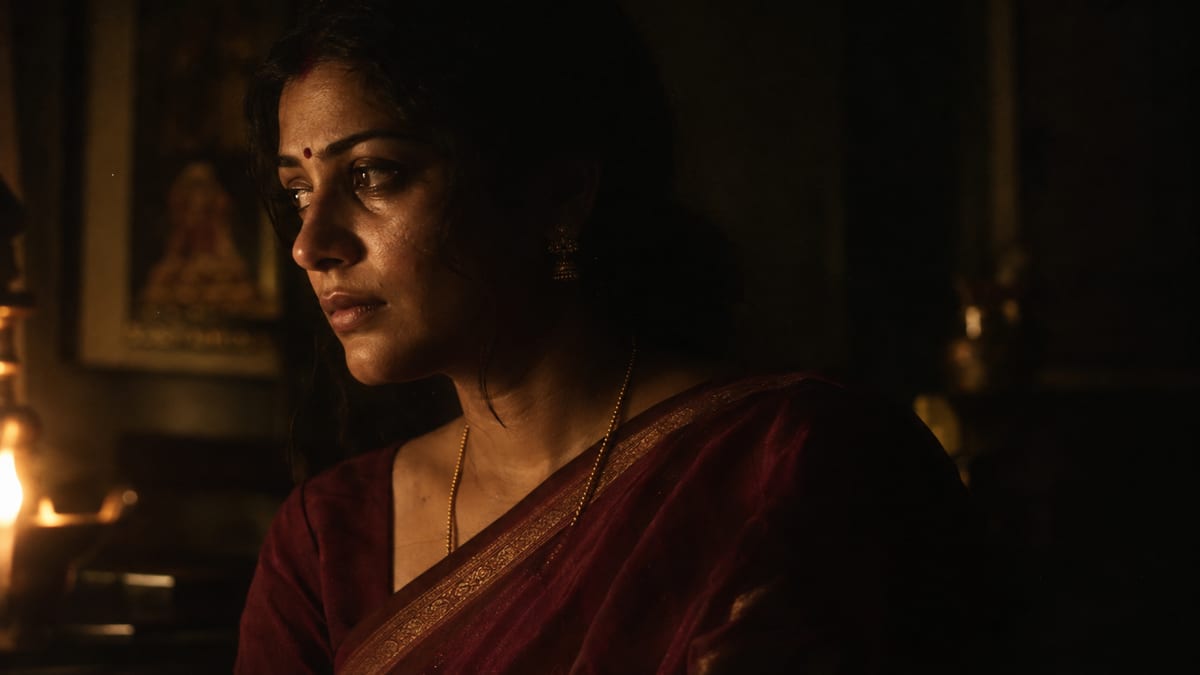
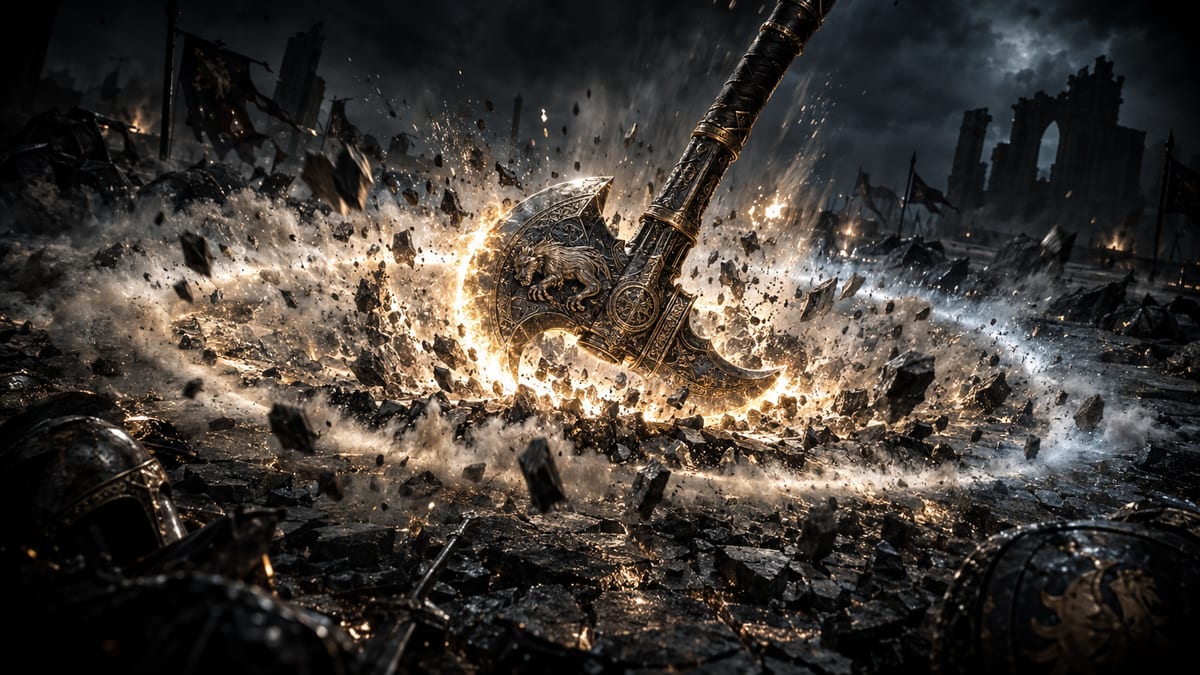
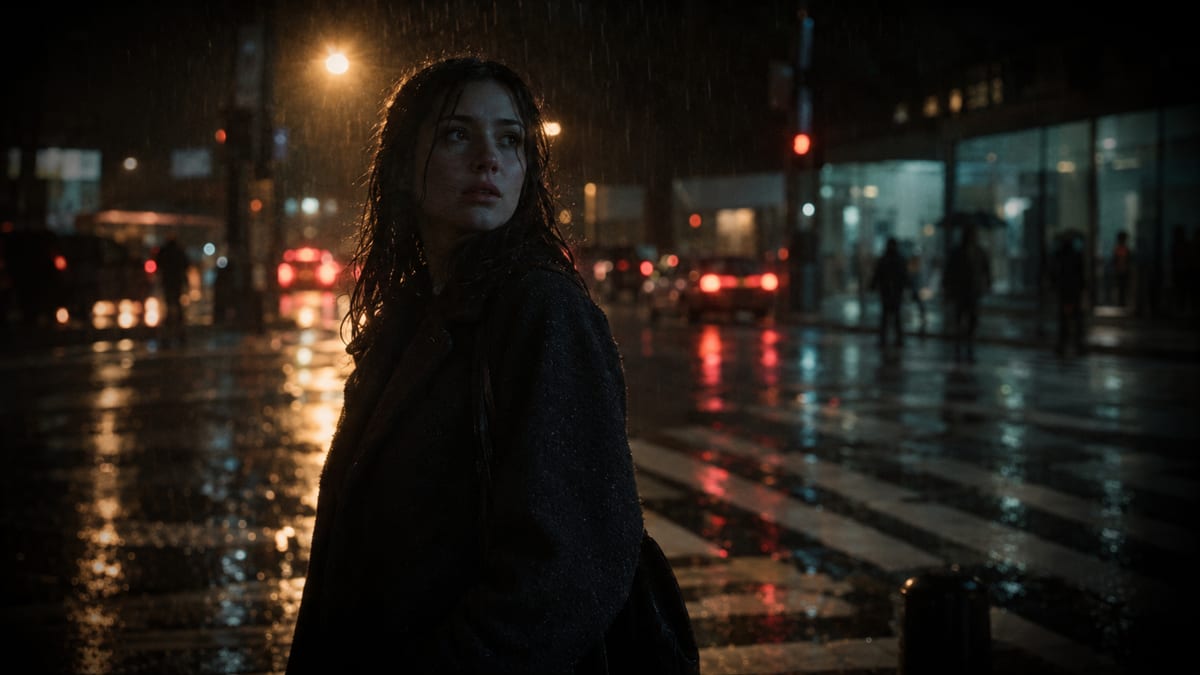
The film's look is itself an approved Film Memory record — it opens every generation prompt, so a series cannot drift out of its own art direction between episodes.
Look inside a single shot
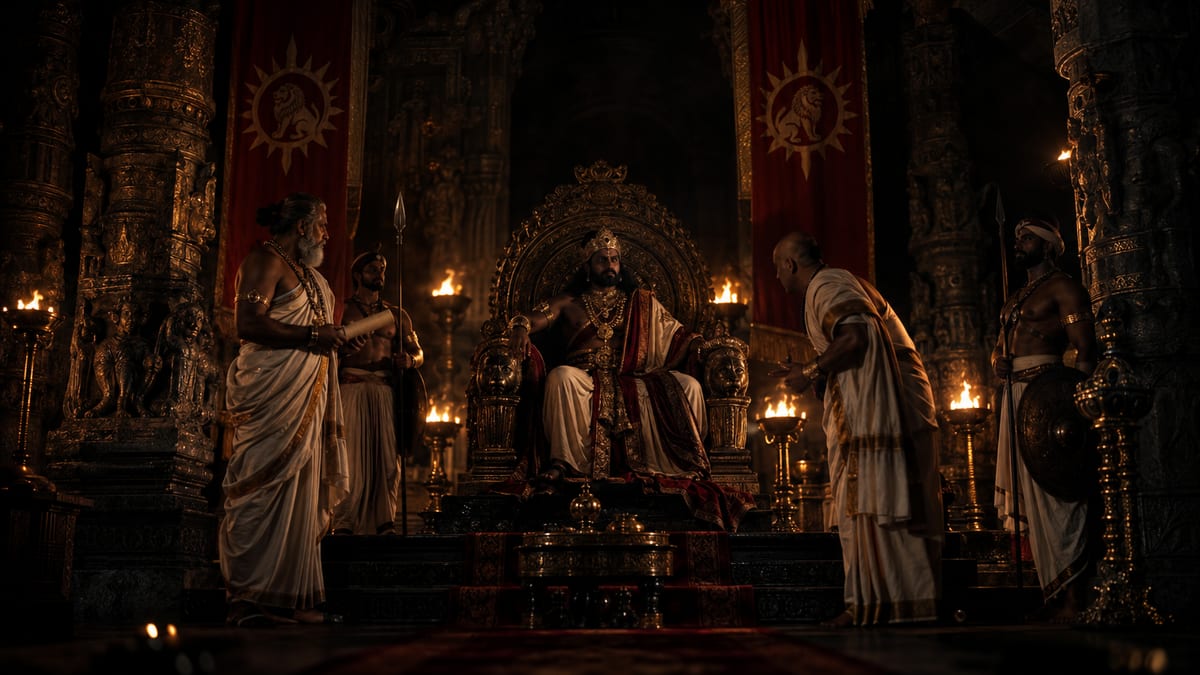
Shot Designer holds the frame and every take it was chosen from. This is what a rights holder has to be able to produce: the specification that made the frame, the takes it beat, the consent it relied on, and the person who signed it off.
- Scene
- 14 — INT. HALL / NIGHT
- Framing
- Medium close-up
- Camera
- Static · settle 1.2s
- Blocking
- Centre, turns left
- Lighting
- Firelight, screen-left
- Lens
- 85mm
- Duration
- 4.0s · 24fps · ACES
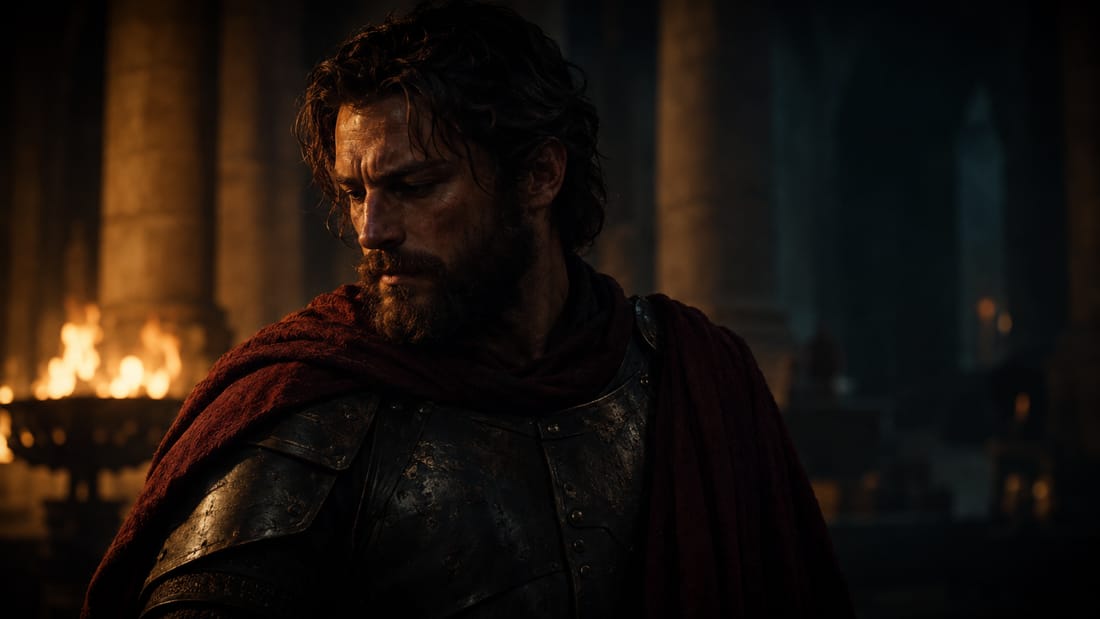
Automated QC rejected two of four before review — a hand artifact and a wardrobe break against Film Memory scene state. Creative attention went to the two real candidates. Final approval on production and hero shots always stays with a person.
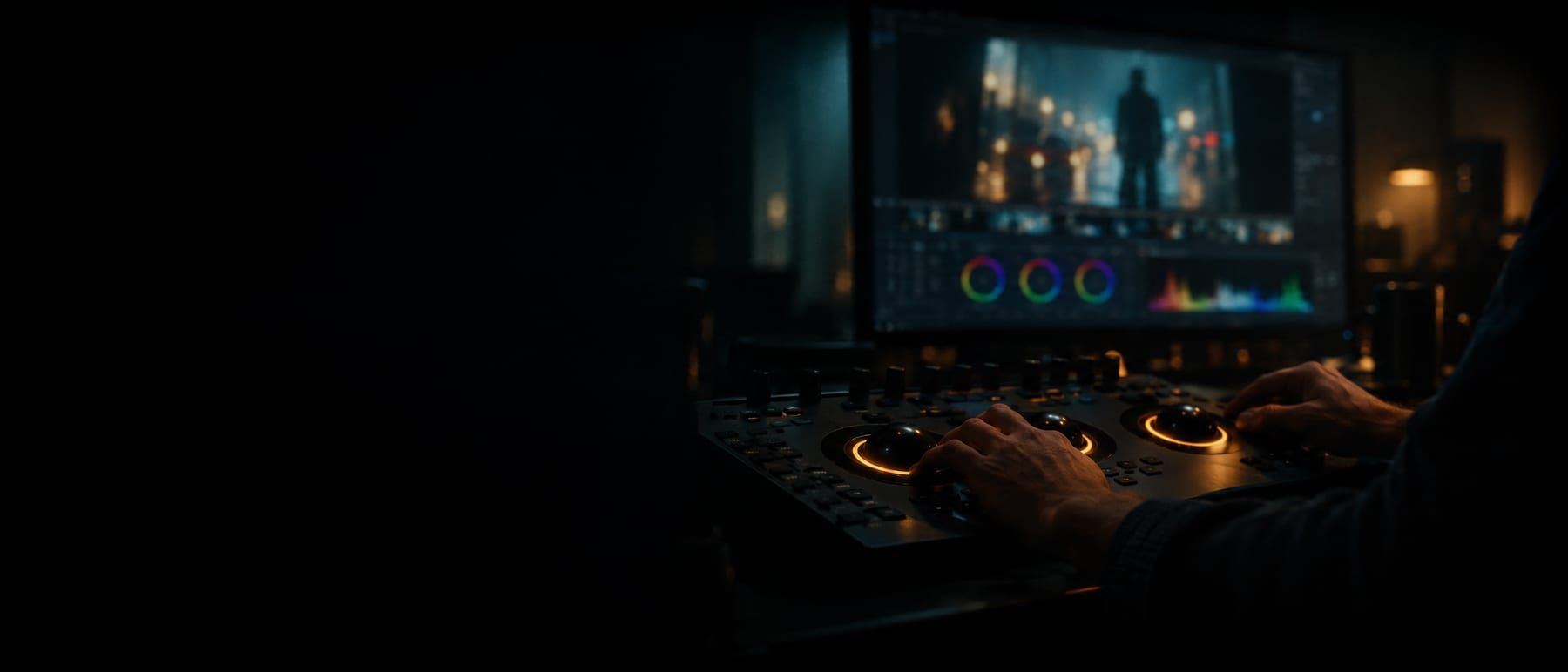
Edit and colour — the cut is not a dead end
The point is not to be another editor. It is that the structure you built here leaves with you, and that the master this platform renders is checked against the same specification your delivery page shows rather than approving itself.
- Runs on the GPU in the browser — the device is probed, not asked, and falls back to a compatibility path when the probe fails.
- Every revision is written, never updated. Saving over a revision someone else already wrote comes back as a conflict with their document — last-writer-wins loses an afternoon.
- The cut is built from each shot's approved select in script order; a shot with no select falls back to its newest take rather than vanishing.
- Picture lock is a state on the sequence, not a convention in a filename.
And it leaves. The shot and take structure exports as an edit list you can open in Resolve, Premiere or Final Cut and keep working in:
Every clip cut to its shot length and padded to the project's format; approved dialogue laid under its shot; the programme normalised to the format's loudness target and true-peak ceiling; encoded to ProRes 422 HQ 10-bit or H.264 High, tagged Rec.709 — or carried into HDR as PQ or HLG at Rec.2020, 10-bit.
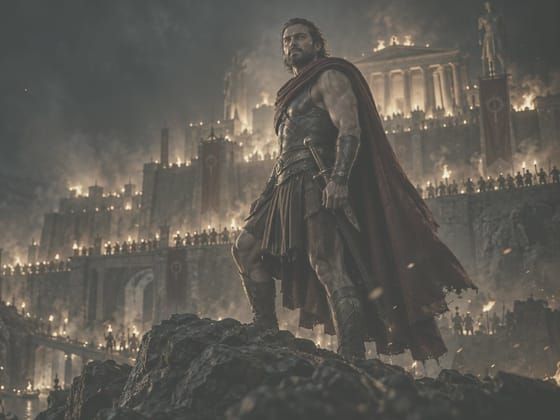
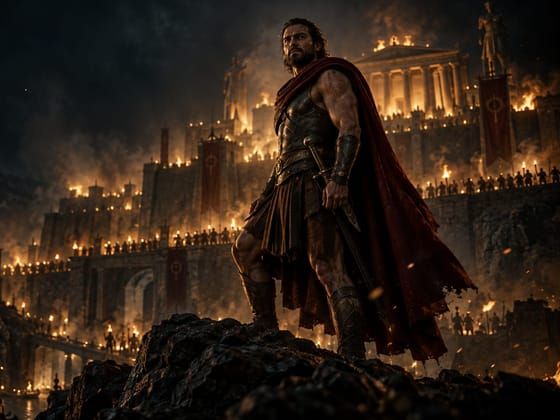
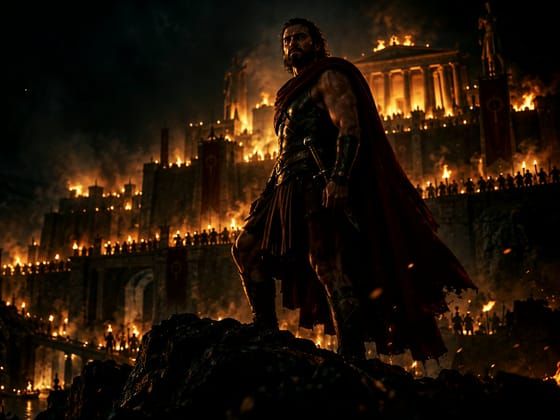
Resolution, frame rate, codec, measured integrated loudness and true peak, against the delivery spec. A master is never marked built by the thing that made it, and a shot with no media is named in the report instead of becoming a black gap.
Powerful for Every Role in Filmmaking
Visualize your story shot by shot.
Plan, manage and deliver projects with confidence.
Scale production pipelines and reduce turnaround.
Design stunning shots and lighting setups.
Edit faster with intelligent tools built for flow.
Create breathtaking visuals and environments.
Craft immersive soundscapes and final mixes.
Everything You Need. In One Seamless Suite.








We're now open for early access.
Sign up now and be one of the first to try it.
Request Early AccessFrom Independent Creators to Global Studios
One platform. Every team. Any budget. Limitless possibilities.
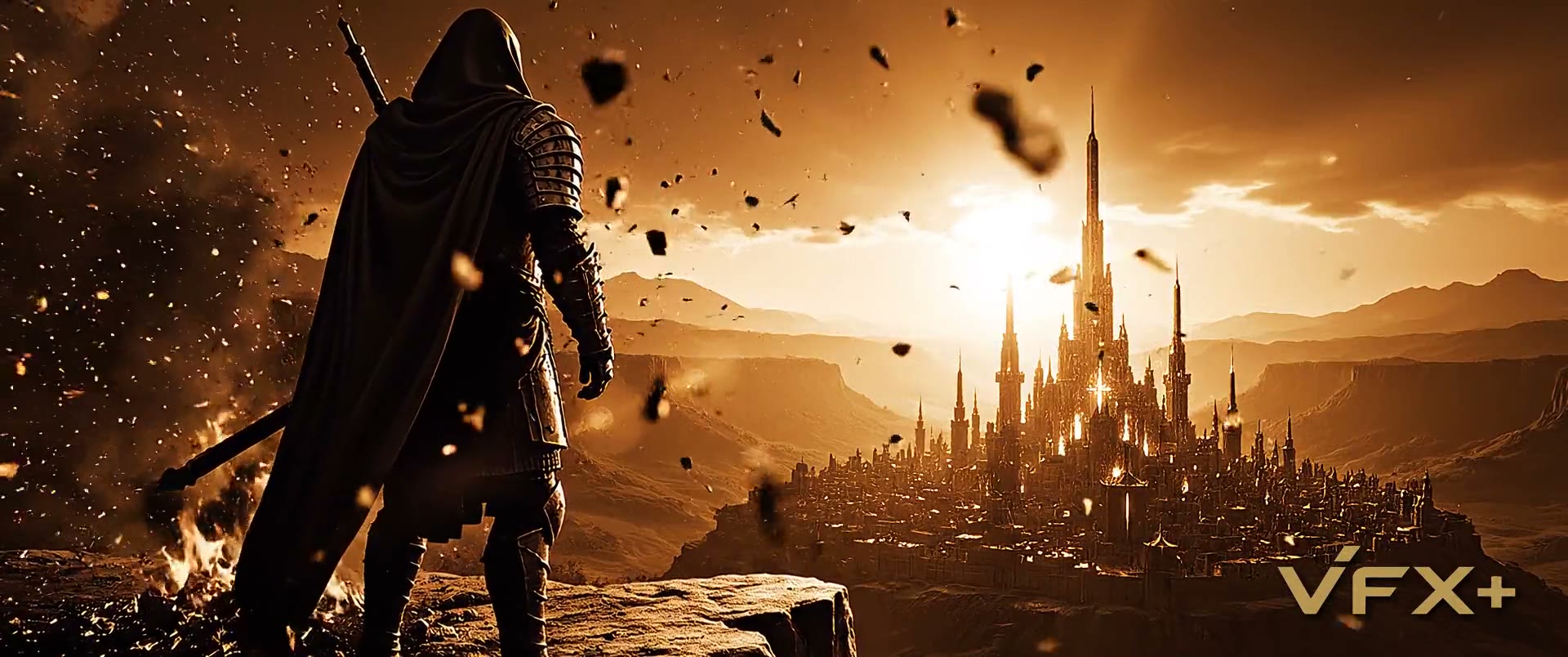
See It in Action
Watch how creators bring stories to life with our platform.
Questions people ask about VFX.plus
Straight answers, in the words we would use to a producer.
What is VFX.plus?
VFX.plus is an AI-native film production operating system by Quantum Canvas LLC. It converts a concept, screenplay or existing script into a governed sequence of production assets — story bibles, digital actors, locations, storyboards, shots, takes, dialogue, music, edits and final masters — connected in a single production graph.
Is VFX.plus a text-to-video generator?
No. The unit of production is the shot, not the movie. Each scene decomposes into independently versioned shots and takes, with structured shot specifications, continuity state, model routing, automated QC and human approval gates, rather than one long generation.
Who is VFX.plus for?
Directors, producers, studios, cinematographers, editors, VFX artists, and sound and music teams. Traditional filmmaking roles map to real permissions, so professionals can work without learning a new vocabulary.
What can VFX.plus produce?
Six production classes: ads and social cinematics from 6 to 90 seconds, trailers and teasers, short films from 3 to 30 minutes, episodes from 20 to 60 minutes, feature films from 80 to 140 minutes, and previsualization at any length.
How does VFX.plus control cost?
Budget is enforced before generation and reserved against the project, then reconciled against actual spend. Projects have ceilings, scenes have envelopes, and shots have maximum attempts and maximum cost. The platform learns a studio-specific cost per approved second rather than quoting vendor list price.
How does VFX.plus keep characters consistent between shots?
A continuity engine maintains a film timeline plus scene-level snapshots of every stateful entity — identity, wardrobe, props, injuries, location, screen direction, lighting and narrative state. That state is compiled before a shot generates, then vision-based QC checks whether the take honoured it.
Which AI models does VFX.plus use?
All media generation runs behind an internal provider gateway, so the platform is not tied to one vendor. Models are selected per shot by task type, reference needs, difficulty, economics and reliability, with director override always available.
How much does VFX.plus cost?
One plan per studio: US$100 a month (10,000 credits) or US$1,000 a year (120,000 credits). Making an account is free; the Pricing page explains how billing works.
Ready to Create Extraordinary Films?
Join filmmakers and studios redefining what's possible.